Showing posts with label web projects. Show all posts

Friday, October 7, 2016

Responsive?

One of the major premises of CSS3 back in the days was "Responsive design".
The ability to dynamically change display object's properties when changing screen size.

Then, with retina displays, came other problems. What is the "real" screen resolution? What should be asset size?

Everyone was at it. Devs were resizing their screens like nuts, measuring ems, rems or whatever. Playing with thresholds.

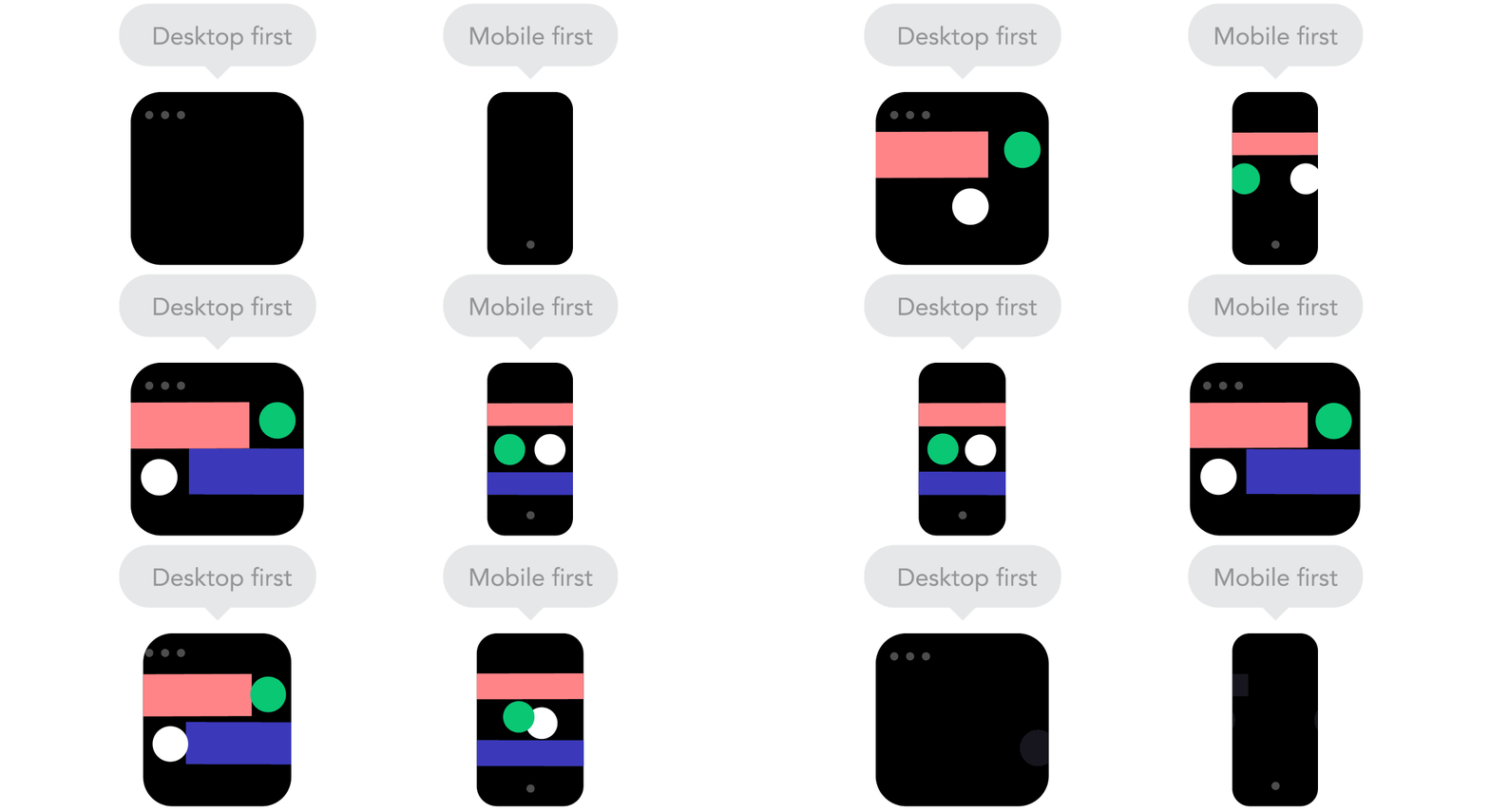
However, I have yet to see an 'app' website which is more than just a landing/ marketing page/ search result implement responsiveness with success. The good ones I've seen are actually an 'm' design - Which means that mobile users are redirected to a whole different site.

This brings us back to the basics of designing web/ apps. Mobile users have other needs and limitations. You can't just reorder and enlarge elements and expect your solution to work.

This rule counts especially if your desktop web uses a heavy, black magic "modern" web framework - Your mobile users would suffer. Mobile web clients should be as minimal and light as possible, otherwise battery life (Phone heating up) and sluggish response would result in bad conversion rates.

Remember when Steve Jobs threw away Adobe Flash from the first iPhone, thus condemning it to death? That was the exact reason.


Wednesday, September 18, 2013

The essential startup toolkit

Not too long ago, software development was an expensive deal.

Development tools used to cost a lot of money, project management and documentation tools cost money, servers cost money, internal network, telephony, office space etc. etc.

Software development practices, on the other hand, aren't that different - Technology is, but the product cycle is largely the same - scrum and agile like methods exist for 20 years now, they were just called micro management :)

I remember coding in Borland C or early versions of Visual C++ (There was no visual studio back then, just a collection of MS tools), writing documentation in Word, updating my Project file, and using a shared network Novell drive. My computer was running windows 3.11, which was considered the standard OS. And none of that was free.

And that was only money. Setting up your business took time. Buying software (At a store...) gave you a lot of discs. Configuring a company network required a specialist. Installations took forever .(Remember disc 3 out of 14?)

Now all you need to have is a computer. It can run a free version of Linux. And if you don't compile, in could also be a cheap Chromebook. Hell, even if you DO compile, there are SAAS platforms which do that as well.

Servers? Basic SSD hosting would cost you ~60$ per year. Monthly internet access + Router + Cell phone would cost ~50-100$ Monthly. Need linux servers? Get a Pi for 25$. Need a phone to test? Use your own :). The only hardware that's relatively expensive would be if you want to develop iOS app, that would set you a minimum of 600$ for a mac mini and 230$ for an iPod touch... (Plus a 99$ yearly developer subscription...)

And all the rest is free. From task management to development tools to server software and source control, everything is completely free (To a certain scale, of course).

The only thing that's really expensive?
Your time.

Now go and make the most of it!


Monday, April 29, 2013

Things I've learned from freelance projects

Few of my side projects in the last two years have been managed without an office.
As most of them were small, web based projects, management overhead was more than simple.

Other than the initial 'sale' meeting, all communication with the client was via mail, phone or even web tools. One project didn't even have a face to face meeting with the customer, just phone, contract via mail, and follow up calls and mails - And that project even needed a backend integration with a medical database!

Things I've learned from such projects:

- Listen, listen, listen. When communication is limited, you need to make SURE you 100% understand what the customer needs. Repeat it in your own words, make sure they agree and know EXACTLY what to expect from you.

- Contract signing. Make sure you are covered. Make sure that scope is 100% agreed upon, and changes cost more money. Payment milestones are REALLY important these days. Make sure that after an agreed certain 'live' period, project goes into maintenance mode - You don't want that phone call after 6 months, when you're already knee deep on something else. A contract is also the best way to see the way your project is going to shape, for better or worse.

- Sandbox communications. The best way to show a project underway is letting your customer see the work in progress. Set up a place where you can share your ideas with your customer, make milestone demos and receive feedback. Make sure it doesn't cause too much overhead - If the customer likes to make lots of 'pebble size' comments and corrections, space out your demos, so you can handle them in bulks, rather than in an annoying, fluid, ongoing dialog.

- If you can, get help with QA. Your friends, your wife, whoever can help. Sometimes you miss out on obvious things, even typos.

- It's a known cliche, that your best reference are your successful projects, however, if you see that a project is headed to a clash with the customer, remember that word gets around - Try to resolve issues, even if it means biting your tongue, and losing some money. Remember that the best protection you have is your contract...

Good luck!

Wednesday, July 11, 2012

Reading time #3

Once again, some nice reference stuff to read and enjoy.

First, a must read for every dev manager/ architect: I bet you over-engineered your startup - Try and read the comments as well - There's one I really like about backbone.js.

Here's something nice: An app for bullying reports. I think municipalities and local police departments should implement such apps, to see 'hot spots' of violence, and also make reporting a lot easier. A mobile phone does so many things, it's about time that it would help the community keep themselves safe.

My friend Moshe Kaplan from dSero with a nice article about SEO in Amazon AWS news.

Some new frameworks and tips:
- KineticJS makes 2d drawing easy, and is also pretty fast.
- A wonderful tutorial for creating clouds with css3. Opens your mind for lots and lots more ideas (Try use faces instead of clouds...)

Another useful UX related article: Overhauling a UI without upsetting the users (Thanks Itai:)).

And finally, a thought: The big tech companies have learned from the pharma industry: Since anyone can develop everything right now, and manufacturing is easy, intellectual property is the only way to make sure you have control over the market.
And unlike the pharma industry, you don't need to be a scientist, and spend years of FDA approval to get your product out there. Microsoft are buying patents from AOL, Apple is suing everyone, Samsung counter sues, and seems like the big techs' legal budget is going to be bigger than their R&D.

This is going to kill the small and medium businesses in the industry, unless legislation will somehow be able to protect them. Otherwise, we might as well give up our jobs, or relocate to China, where copyright rules are... More flexible :))

Saturday, June 30, 2012

Don't fall in love with frameworks

The javascript world is on fire!
You've got tens of frameworks, all made to enable making javascript and web development easy.
angular, backbone, less, _, GWT, wicket, the old and established extjs, prototype, yui, and jquery (To name a few) have become common names among developers.

Some frameworks are meant to make your life easier with dom traversing and manipulation and encapsulate javascript features (jQuery, prototype), some add UI functionality (extjs, yui), while others offer full application frameworks.

However, these frameworks come with a price.

Once you bind your application to a framework, it's very hard to get rid of it. It's very hard to change parts of your application, once your web application is fitted with the paradigm of a framework.
Binding UI to model is another problem - Some of these frameworks bind data to UI components.

While this makes your initial development easy, once your application surpasses some volume and features, programmers tend to break this model (Something which is quite easy with javascript).

Binding is also very hard to debug - Sometimes you'll get an impossible to understand and follow call stack, especially with frameworks which bind model to UI components via events.

Another reason is performance: If all you want is a 3 page application which loads json objects, parses them and presents them on screen, using a full fledged MVP framework is a little bit of an overhead.

... And now, for the worst part.
You've written a nice widget/ control/ viewer/ whatever.
Now someone wants that object in his legacy system.
It's very hard to integrate binded code.
You tell him you can't.
He asks you why did you use the framework, if your code isn't recyclable.
You say 'it is, but you need to rewrite your whole client'.
CTO approaches you with angry eyes.

The rest - You know.

So next time you consider using a flashy, 'easy' to use framework, please ask yourself these questions:
- Will you need to reuse this code somewhere else?
- How much overhead will the framework add? Is it really necessary?
- How intrusive is that framework, in case you want to replace it?
- How much time would it take your team to develop the features you need from the framework? Don't add a full fledged framework for the sake of a neat button!
- How cryptic is the code? (Angular.js is a good example - Great framework, but you need to go all the way with it in order for you to enjoy its advantages.)
- How easy is it to debug? I know some of them are really, really hard.
And, finally:
In 6 months from now, will it bring value to your system, or will you need a month of knowledge transfer just to get someone new to write features into your app.

Be responsible - Use new technology that brings value, not heartbreak...


Monday, May 14, 2012

Reading time #2!

It's time for some more links to inspirational stuff...

This 2009 article at wired is one of my favorites. It talks about how 'good enough' easily beats 'great' in so many aspects. Whenever approaching a big design or architectural task, I tend to go back to this article a little bit. People tend to over design stuff, and try to come out with a Lamborghini (That costs like one to develop, sell and maintain), when all their customers want is a Mazda...

If you're always looking for 'the next thing' in dev technology and new stacks, you have to visit the changelog regularly. Lots of emerging technologies, useful libraries and code - All the goodies us geeks need.

For all you non-coders out there, here's a great article on starting a tech company without coding knowledge, and, this great article by @martingryner shows the other side of entrepreneurs recruiting a tech co-founder.

The new iPad paves the way for laptops, PCs and tablets with astronomical resolutions. As resolution gets higher, sites with dynamic adaptation to screen resolution need to scale differently. A simple reflow is not enough - Reflow your site, and your font size will be too small to read. Scale your site, and graphics quality degrades. This article gives some pointers about redesigning your website for retina displays.

And, finally, here's an article comparing between the two leading cross platform mobile development SDKs - Phonegap vs. Titanium. If you're considering cross platform app development, you should read this one.


Sunday, April 8, 2012

Simple Gallery - The next phase

Been thinking a lot about my Simple Gallery Management Project.
So far, it's been downloaded ~200 times (130 for version 2.0), and after implementing ~6 projects with it, I'm thinking about taking it to the next step, and making it an even simpler, more generic CMS.
This means generalizing the database, redoing the management portal into a cool, hierarchy-like content portal.

I'll still be using HTML/ JS/ PHP (For json API)/ MySQL as a platform, simply because the cheapest hosting services are under that platform. I could implement it with node.js and mongodb, but that would be overkill. Only when I implement a simple social network, then I might use these platforms - There are few services (Like dotcloud) which do node.js and mongodb hosting, and they are not meant for the SOHO customer requiring our services (myartichoke).

This also got me thinking - What about social networks? Does anyone really need to implement a social network anymore? The 2 major risers in the social network battlefield these days (instagram and pinterest) are less about social, and more about sharing and following, rather than full fledged social networks. This means that these social networks have the 'core' social features (contacts, feed, responses and likes) built into them, but not much more - Facebook and Google+ have a whole envelope of features which try to integrate the web into their sites.

Of course, all these networks also have RESTful web services, allowing for third party developers to integrate into their network as well. This has also become a common practice.

I've also considered multi tag support, but came to realize that I'm using this feature as a 'category' (news/ objects/ shows etc.) when implementing sites - That is why I'll probably change 'tags' to 'categories', and maybe add multi tag support later.

In scope as well is making the GUI a little more '2d' and consistent. Adding an integrated toolbar per item (Like twitter's), maybe convince my wife to design some buttons for me :))

I'll update soon, once the new version begins to show signs of life.


Monday, March 5, 2012

Big data, small code

Building a big data driven web application used to be a big thing. Relational databases, links tables, complicated queries and stored procedures...
Java containers, cache management, state - Big architecture, costing a lot of money, setup and development time.
Scaling also used to be a big thing. Databases needed to scale. Web servers needed to be synchronized. Whenever state or caching was applied, data integrity was a big, big issue.

With new servers like node.js and databases like mongodb, the web stack just got a whole lot simpler.
No need for complicated tables, queries.
IO is faster, without the need for object translations from tables to xmls to jsons or whatever.
And - More important - Indexing, multiple indexing and complex queries are supported as well.

Programming is also much, much simpler. Using dynamic language like javascript is much simpler than using Java. The whole setup is simple - Actually, these servers are extending javascript to be a native language, rather than living inside the browser sandbox. That way, your whole web application is written in one language.

Connectivity modules with other services (amazon, azure, mysql etc.) are available, and expanding rapidly.

My suggestion - Give it a shot in your next web application. If you like javascript like I do, this might be the smartest move you've done.

Edit: (Thanks to @lightpriest for pointing that out): Like all software solutions, you also need to make sure that this solution serves your problem better than 'old' web stack solutions. Read the other side here.

Thursday, February 23, 2012

Reading time!

Part of my work week is dedicated to reading and learning.
Most of my reading these days is actually UI/ GUI related stuff, as we're closing a large project at work, and are going through some final GUI iterations.

The 'Little Big Details' blog is dedicated to small but neat and significant UI features found over the web/ mobile world.

This blog, of presentation expert Jan Schultink (Idea Transplant) contains all sorts of tips and notes about presentations, presentation design etc.

Wired's webmonkey has some neat notes in their UI/ UX section.

Here's a neat book by Google about web design.

Terry Martin's great blog got some great insights about design, tech and startups.

And, finally, some management stuff:
My company's COO is a big believer in Theory Of Constraints, and has started to implement this project management methodology in our company (Time To Know).

Basically, TOC works by identifying the project chain and building blocks, trying to deal with each building block as fast as you can (Which also means using as many resources in parallel on each building block to speed up the task), and daily reviews to find the critical (Longest) chain, and speed it up.

This method, though counter intuitive sometimes, has been implemented in the project I'm leading, with wonderful result. My team (~20 UI/ GUI/ Developers/ Testers) have sped up our project delivery times, management overhead is lower, and we're actually enjoying the process...

If you're managing a medium to large size project, my suggestion would be to give it a try. Though it takes some commitment, it seems to be working well for me... As well as reduce original cost in ~30%.

A link to our TOC consultancy company would be added to this post soon.

Sunday, August 21, 2011

Tip: The JSP surgery

So, you've invested a whole lotta love and money in your java based web server.
And it's fine. Really.
But now it's time for an overhaul. The UI is dated, and you want to bring some fireworks back.
The problem - Your team has changed, it's been a while, and all your team has done so far were some bug fixes and some features. And the web layer is written in good ol' jsp - No one really knows how to rewrite it. Recently I've encountered a similar project - All the team left, the design was terrible, but I couldn't make changes to the back-end, only the jsp files.

What do you do?
My suggestion is to divide and conquer!

Here's a quick recipe on how to transform your server script code into a web service.

First off, see which data you need the server to really generate. Usually, it would be user details, a data table, plus some attributes.
After that, have your jsp code generate JSONs instead of html or javascript code.
This shouldn't be that hard.
Analyze all your code, and prepare new jsp files for each type of data needed. Use the current jsp function calls - There's no need to rewrite the java layer: All these files should do is write a JSON response. You can use Arrays.toString(), or a JSONArray, or you can generate the JSON explicitly from object attributes.


Then you can begin writing your client from scratch, and use these jsp as a web service. You may later write some Java servlets to replace them, or (Better off) use jax-rs to completely get rid of the jsp.
Step by step, you'll see your web application transform into something a lot more comfortable to use and maintain. A real web service, without rewriting your back-end. And when you do get the time to update your server, you'll be able to do it with only minor client modifications.

Have a good development week, and stay tuned for more!
y.

Tuesday, August 9, 2011

Some updates...

Here's another one:
http://www.pninas.com/

Design was pretty straight forward, One page is all I needed (index.html + index.js).
I think I'm improving... This one was quite easy and fun to do.

In other notes, the simple blog is shaping up. In the beginning, I thought about how to differentiate the system from, say, um, Blogger... And decided on focusing on these features:

  1. No Rich Text Editing. (So we'll be iPad compatible that way)
  2. One file attachment per post. User can then decide what it's going to be.
  3. Sample (Reference) viewer should be nicely designed, and with a separate (Maybe inline?) CSS.
  4. This time, try github for hosting. Just for fun.
In the meantime, Simple Gallery Management has gone through one more phase of update - Adding an attachment option for news post. You can get it here.
Tagging is there, but I haven't written the link between tags and items... Just being a bit lazy, I guess :)


There's another project shaping up, but I'm trying to think if it has commercial potential...
Stay tuned.

Tuesday, July 19, 2011

New Simple Gallery Management Version available

This is it... Finally.
Finished work on it last evening, and here it goes.

I've added some nice GUI (click and edit like flickr) for it.

It's still not 100% done - Tagging and some more features would be added, but all the basics are there!

You can get it here:

sourceforge.net/projects/simplegalleryma/files/

... And, of course, it's 100% free (MIT license).

Enjoy!

Friday, May 20, 2011

We've been indexed....

Google have indexed this blog, which means we've gained another link to Einat's site. BTW - This site should be reposted, as it has a link to myartichoke (My wife's site).

The next projects:
- An update to Maya's site. Should be an easy one.
- Another dynamic site, to which I will add 'updates' section support in my simple gallery management project.